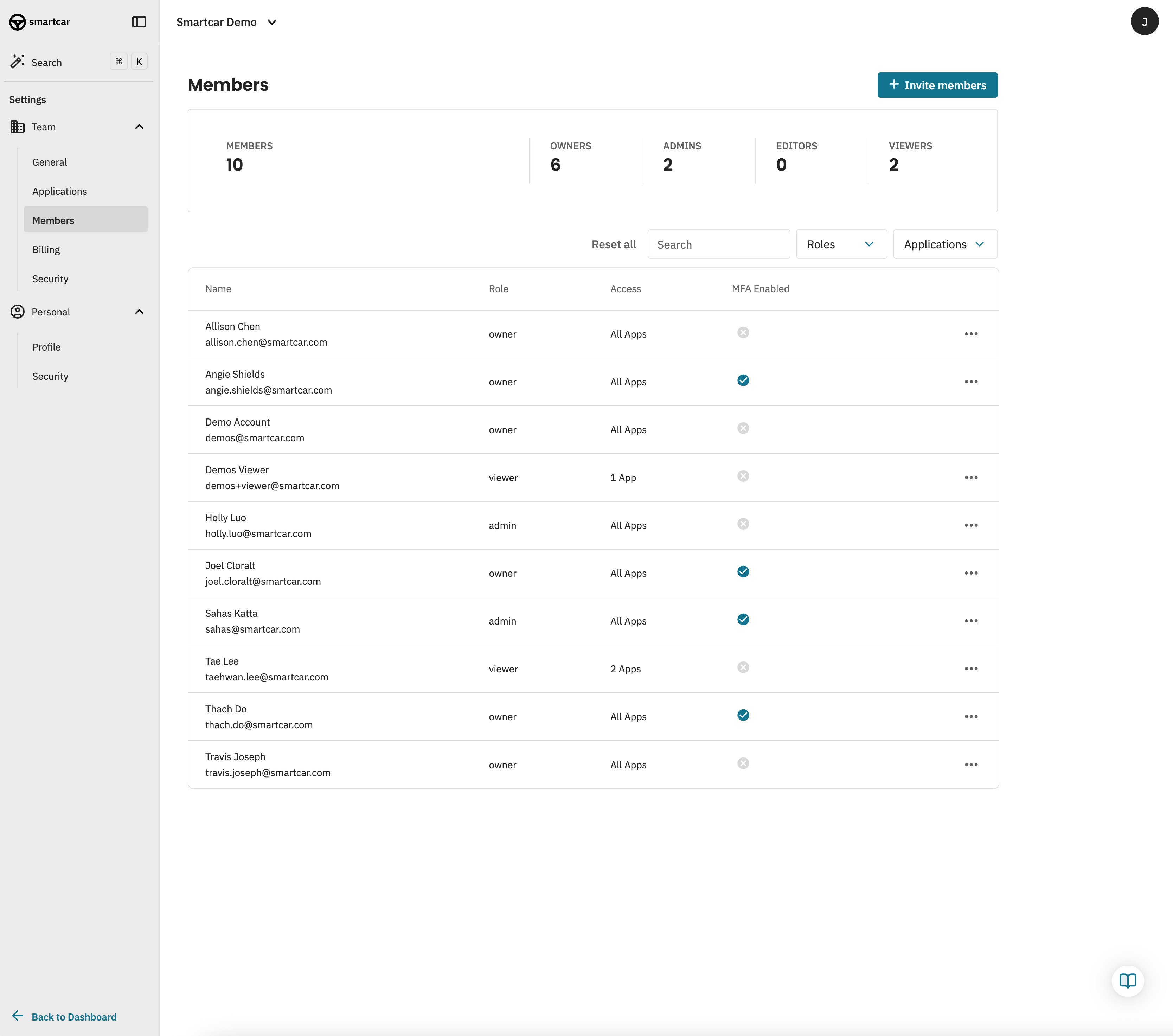
Your Smartcar Team allows you to collaborate with other members and manage your applications in one place.
Members
You can add team members to your Smartcar account on any plan for free.
Team members can be added to your Smartcar account by navigating to the Settings tab in the Dashboard and selecting Members under the Team section.
Roles and Permissions
Team members can be added on any plan. Specific roles are available on our Enterprise plan.
Editors and Viewers can be limited to specific applications.
Roles
Owner
Owners have full control and access to the team. They’re able to add and remove members, create and modify applications, edit billing information and more.
A team can have multiple Owners, but must have at least one.
Admin
Admins have similar access to Owners but can’t edit or view billing information.
Editor
Editors have similar access to Admins but are limited to specific applications. They’re unable to manage team members, view the team’s billing information, create applications, or delete applications they’re allowed to access.
Viewer
Viewers have similar permissions to Editors but only have read-only access to applications they’ve been invited to.